Free · Up to 50 players · No app needed
Live quizzes that get everyone playing
Create a quiz in minutes, put it on the big screen and let your group play along on their phones.
You don't need an account to get started.
Free · Up to 50 players · No app needed
Create a quiz in minutes, put it on the big screen and let your group play along on their phones.
You don't need an account to get started.
How it works
Step 1
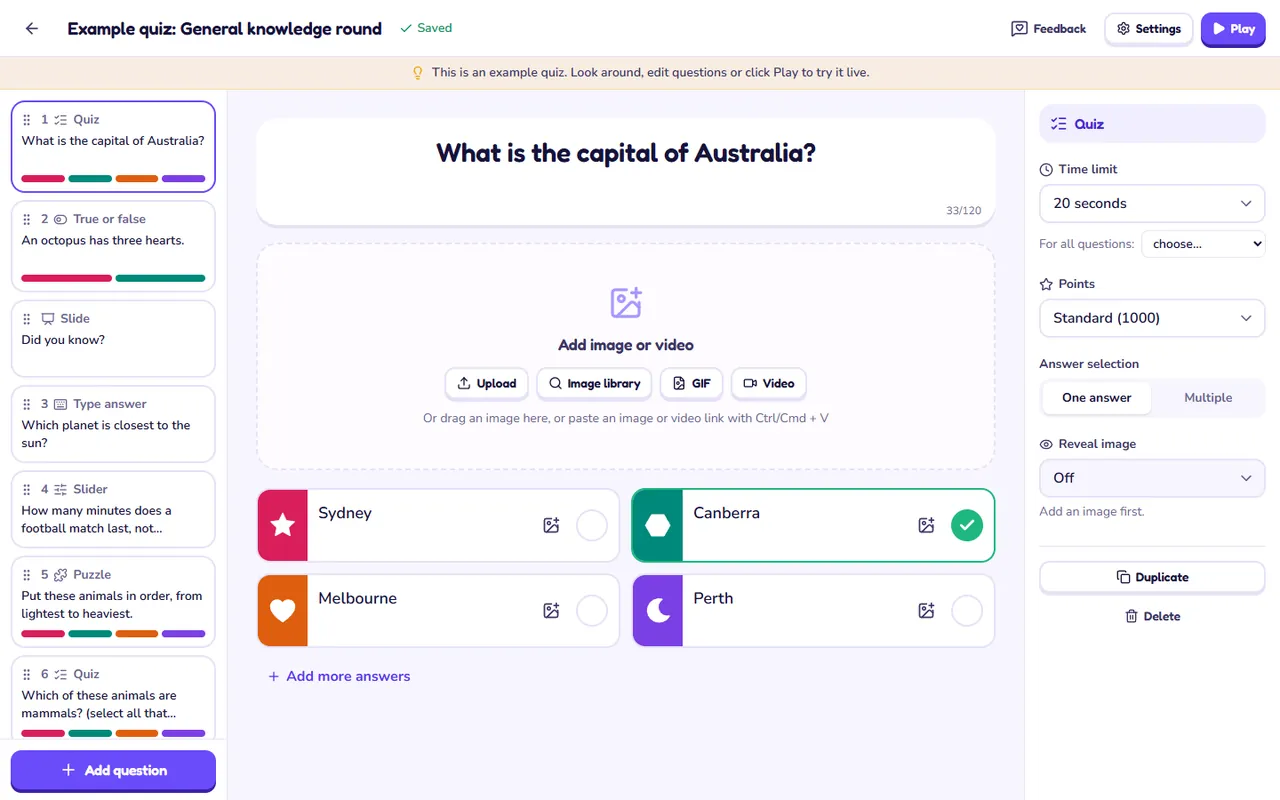
Choose from 13 question types and add images, GIFs or video. Everything is saved automatically.
Step 2
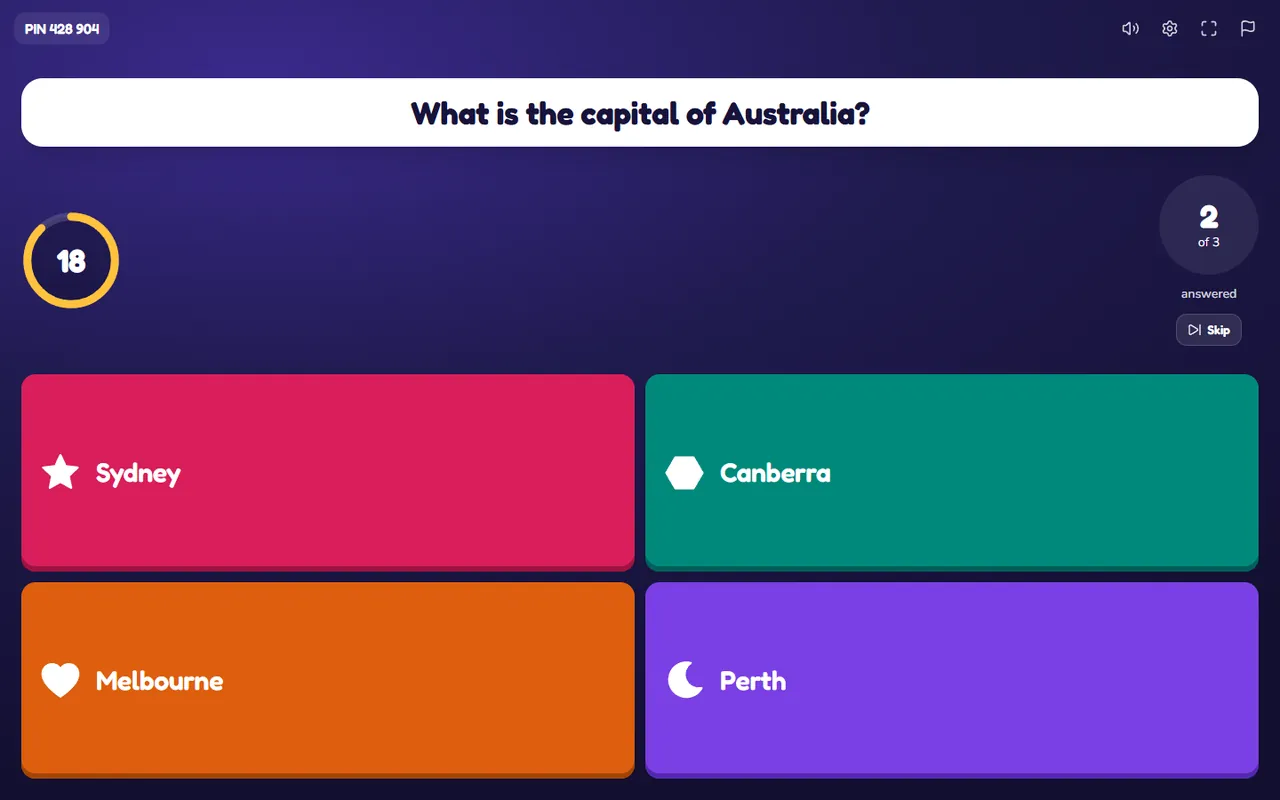
Start the game on a projector or TV. A PIN and a QR code appear on screen.
Step 3
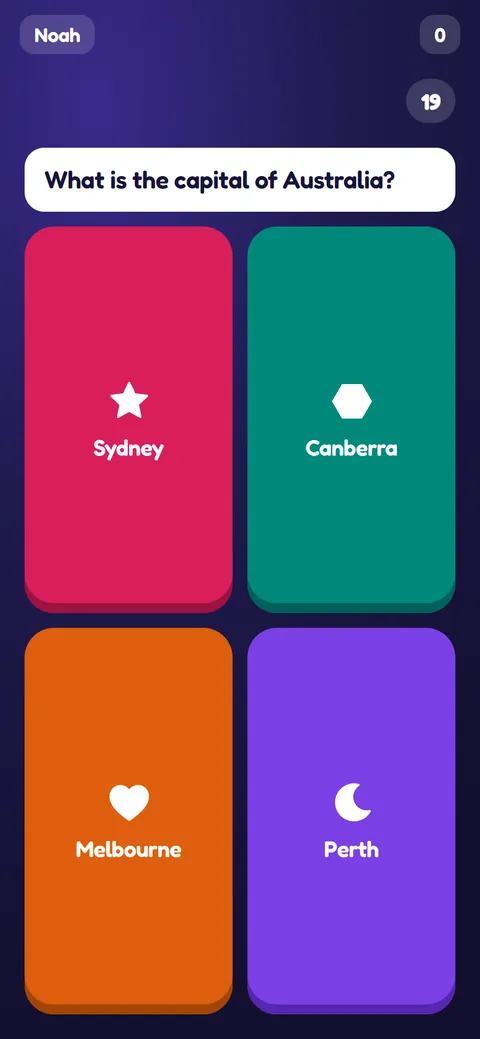
Players join on their phones, no app or account needed. The faster the right answer, the more points.
See it in action
Build your questions in the editor: text, answers, an image or video, time and points.
Everything included
Enough for a class, a team or a family party. Everyone plays on their own phone.
No subscription, no paywall. Every feature is free for everyone.
From multiple choice and puzzles to word clouds, polls and brainstorms. Plus slides to explain things.
Your own photos, a stock image library, GIFs and YouTube or Vimeo clips.
Lobby music, sound effects, themes and a podium for the winners.
See how each question and each player did, and download it all as an Excel file.
Test knowledge
Gather opinions
Sparqel has no paywall and no subscription. Find it useful? Buy me a coffee and help keep the servers running.
Buy me a coffeeFrequently asked questions
Nothing. There's no subscription, no trial period and no paid features. Create as many quizzes as you like.
No. Players open sparqel.com on their phone, tablet or laptop and enter the game PIN shown on the screen, or scan the QR code. They pick a nickname and they're in.
Not to get started: you can create a quiz right away. To play it live or upload your own photos, create a free account with Google or your email address. You won't lose your quiz. Without an account, quizzes are deleted after 30 days without use.
One big screen for the questions, such as a projector, TV or smartboard, and players with their own internet-connected phone, tablet or laptop. No big screen? Turn on 'Show questions and answers on phones' when you start, and players read everything on their own screen.